
Every group has a handle — one short, memorable name that powers three things at once: your subscribe form link, your public community archive URL, and a real email address readers can write to.
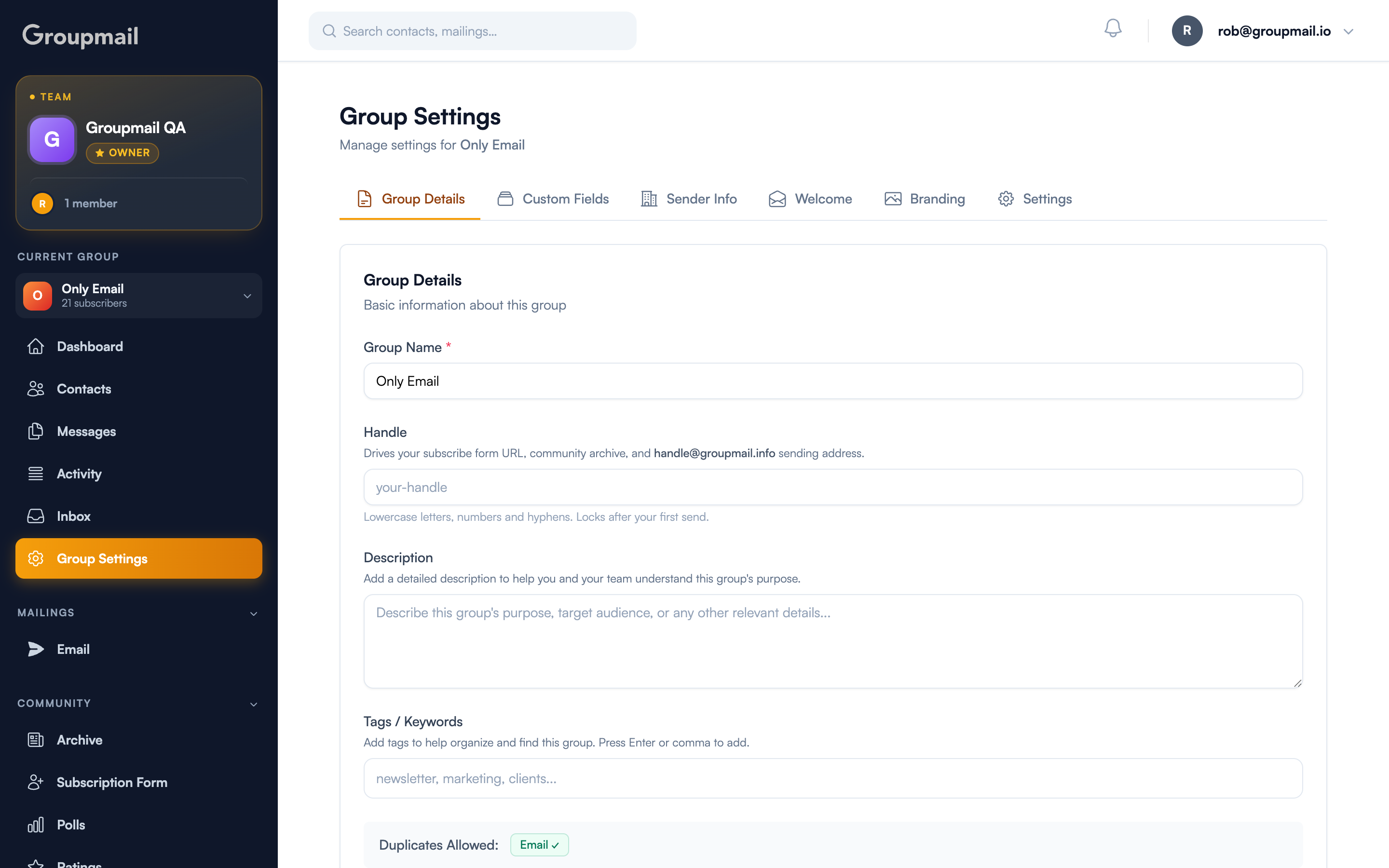
Where do I set it?
Open Group Settings → Group Details. The Handle field sits just under the group name.
Handles use lowercase letters, numbers and hyphens. Pick something short that a reader would recognise — your publication's name rather than an internal label.
What does the handle actually do?
One value, used in three places:
- Your subscribe form link — the URL you share to collect subscribers
- Your community archive — the public page where published newsletters live
- Your group's email address —
yourhandle@groupmail.info
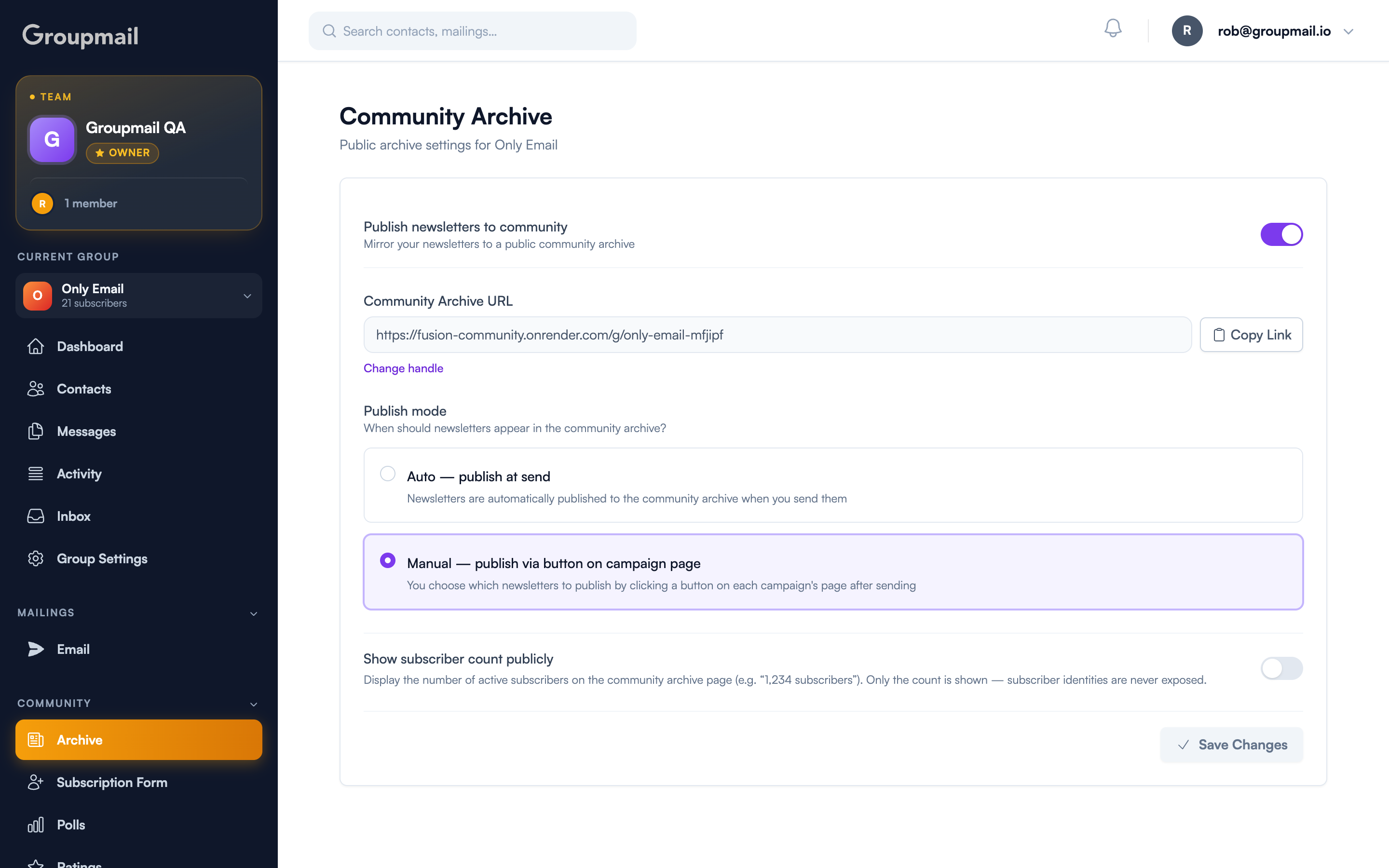
A real address readers can reply to
This is the part people miss. yourhandle@groupmail.info is a working mailbox, not a no-reply. Readers can email it directly, or simply hit reply on a campaign, and the message lands in your group Inbox.
That means replies to a newsletter behave the way readers already expect — they answer the email, and you see it — instead of vanishing into an unmonitored address.
A newsletter that can't be replied to is a broadcast. One that can is a conversation.
Changing it later
Until your first send, change the handle any time from Group Settings → Group Details. Update it, save, and your subscribe link, archive URL and email address all move together — there's no separate setting to keep in sync.
Quick answers
What is a group handle? A short name — lowercase letters, numbers and hyphens — that sets your subscribe link, your community archive URL, and your group's email address.
Can I change my handle? Yes, until your first send. After that it locks, because links already delivered to readers depend on it.
What is yourhandle@groupmail.info? A real address for your group. Readers can email it or reply to a campaign, and it arrives in your group Inbox.
What happens if I don't set one? You get an automatic fallback address so replies still reach your Inbox, and a prompt to claim a memorable handle.
Do I have to update my subscribe link separately? No. The subscribe link, archive URL and email address all derive from the same handle and change together.