
Ask your readers a question and let them answer without leaving their inbox. A Reader Poll embeds directly in your newsletter — one tap to vote, no login, no landing page — and you watch the results arrive live.
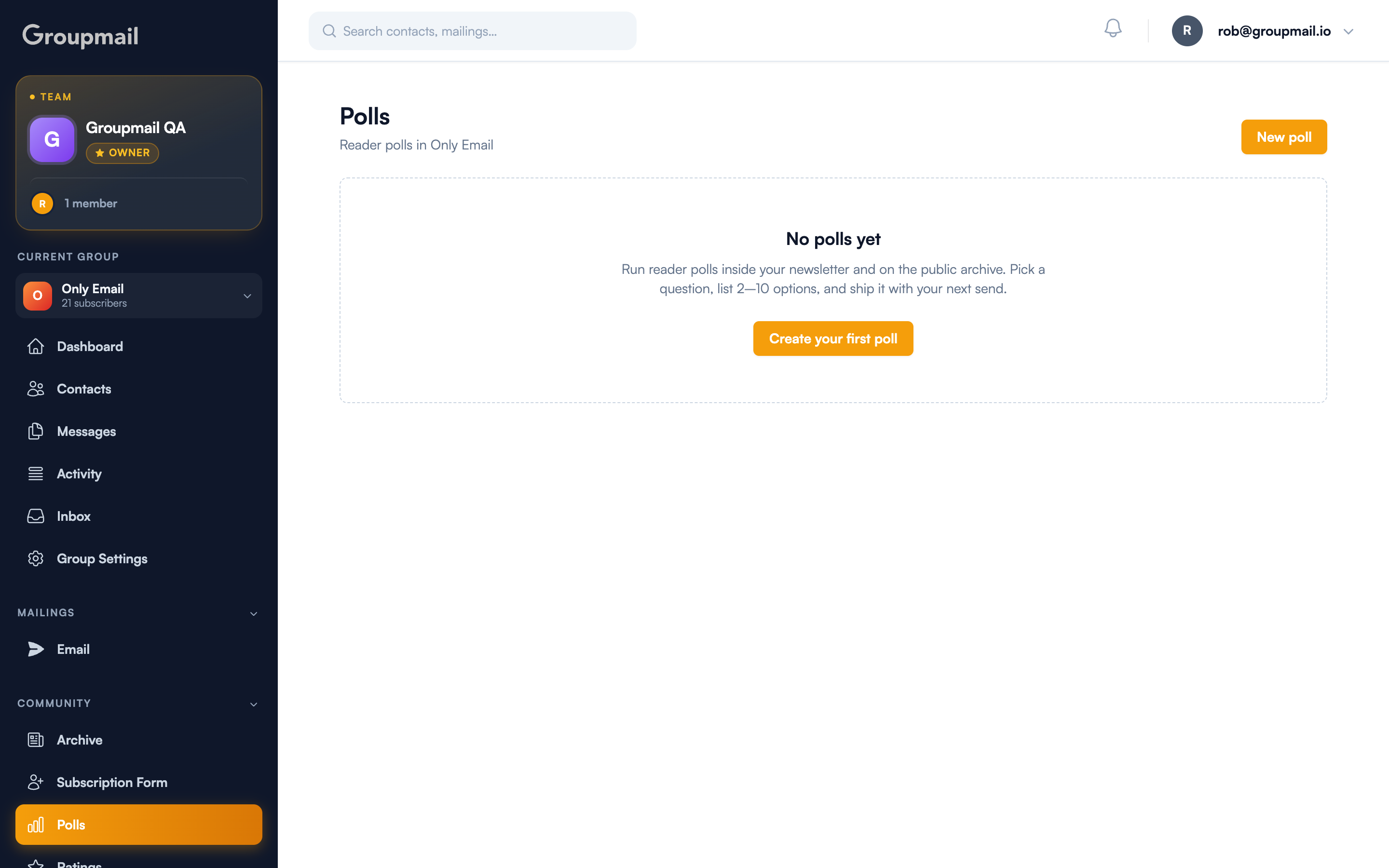
How do I create a poll?
Open Polls in the sidebar under Community, then choose New poll.
You'll fill in three things:
- Question — up to 240 characters. Keep it to one clear ask.
- Options — between 2 and 10. Voters pick exactly one.
- Status — leave it Active to use the poll. A poll saved as a draft won't render in newsletters or on the archive.
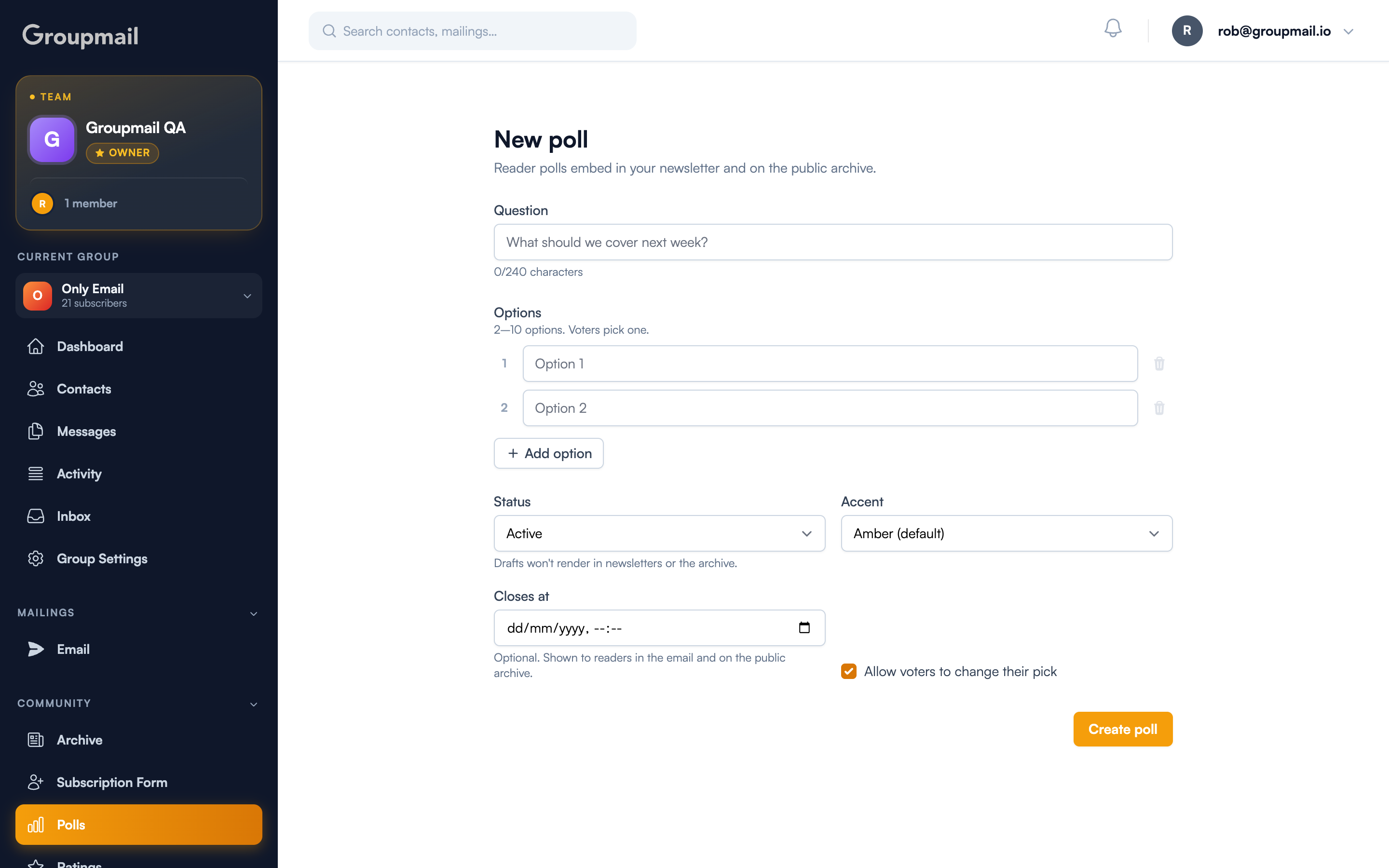
Two optional settings are worth knowing:
- Closes at — an optional deadline, shown to readers in the email and on the public archive. Leave it empty to keep voting open.
- Allow voters to change their pick — on by default, so a misclick isn't permanent.
How do readers vote?
Each recipient gets their own one-tap vote link, so a vote is tied to a contact rather than an anonymous click. Readers vote straight from the email — nothing to install, no account required.
Because each link is personal, votes roll up to that contact's activity as well as the group's, so you can see who responded, not just how many.
Where do results appear?
In three places, all updating live:
- Inside the newsletter — the tally renders in the email itself
- On your community archive — the published newsletter shows the current results
- In RSS — subscribers reading through a feed reader see a self-updating results image
A poll that only works in the inbox stops being useful the moment someone reads you elsewhere. These results follow the newsletter wherever it's published.
Add the poll to a newsletter
In the newsletter editor, insert the poll from the toolbar or through the slash menu. Send as normal — the poll travels with the mailing.
Quick answers
How many options can a poll have? Between 2 and 10. Readers pick exactly one.
Do readers need an account to vote? No. Each recipient gets a personal one-tap link and votes directly from the email.
Can someone change their vote? Yes, as long as "Allow voters to change their pick" is enabled — it is by default.
Can I stop a poll at a set time? Yes. Set "Closes at" and the deadline is shown to readers in both the email and the archive. Leave it blank to keep voting open indefinitely.
Why isn't my poll appearing in the newsletter? Check its status. A poll left as a draft won't render in newsletters or on the archive — only Active polls do.